
How to Search for a Warrant in Alcona County
No single search reaches every Alcona County court. The Sheriff's Office posts no wanted list, so the job splits into a court step, a state-system step, and a records step. Skipping the court step is the most common mistake, because a public case entry never shows whether an order is still open. Collect the basics first: a full legal name, a case or ticket number, and the approximate date of the court event. Give a date of birth only when the clerk asks for identity verification, since that detail belongs with the office that truly needs it for a warrant check.
- Pick the court by case type: the 81st District Court for traffic, ordinance, misdemeanor, and preliminary felony matters.
- Search MiCOURT by name or case number to orient yourself, and write down the court and case number it returns.
- Call the issuing court clerk at the number on the county contact list and ask how that court confirms a warrant.
- Call the Alcona County Sheriff at 989-724-6271 for custody or arrest routing, since the Sheriff acts on orders but does not publish them.
- Request the court file under court-record rules, or file a narrow FOIA request for an existing county or Sheriff record.
Alcona County Warrant Search at the District Court
For most Alcona County warrant searches, the 81st District Court is the practical lower-court contact, since its caseload generates the most local warrants. Judge Laura A. Frawley presides, with Courtney Bachelor listed as magistrate and district criminal clerk. The counter is open Monday through Friday, 8:30 a.m. to 4:30 p.m., closed over the noon hour, and courthouse screening applies before entry.
81st District Court
106 Fifth Street, Harrisville, MI 48740
989-724-9500
The Alcona County district court staff page lists the clerk and magistrate who handle criminal filings.
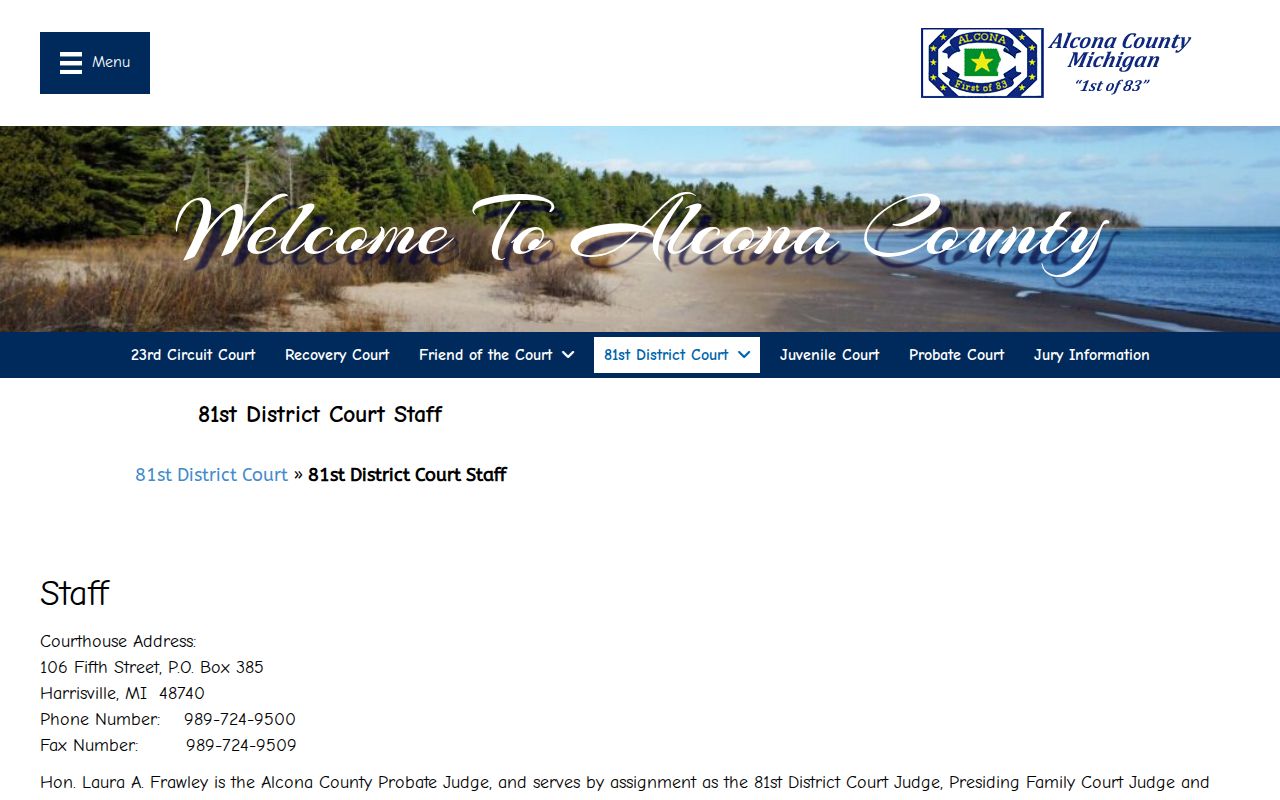
When you call, ask for the criminal clerk. Have the case or ticket number ready so an Alcona County warrant search does not stall on a name match.
Alcona County Warrant Search Fields
The public MiCOURT case-search interface takes a name or a case number, never a warrant number. The name panel collects a last name or business name, a first name, a middle name, and an optional birth year. A court selector and a search control sit alongside it. The case-number panel wants a year, a number, and a type. Alcona County files surface there once the right court is chosen.
| Field Label | Type | Required | Notes |
|---|---|---|---|
| Last name or business | Text | Yes | Use the full legal spelling |
| First name | Text | No | Narrows a common surname |
| Middle name | Text | No | Helps separate similar names |
| Birth year | Number | No | Optional filter on the name panel |
| Court | Select | No | Scopes results to one court |
| Case number | Number | Alternate | Year, number, and type replace the name search |
A blank result is still a result. It means the system found no public case matching what you typed in your Alcona County warrant lookup, not that no warrant exists.
Why an Alcona County Name Match Is Not a Warrant
Common surnames show up everywhere, and a name match in an Alcona County database can belong to a different person in a different case. A middle name, a birth year, or a case number separates one file from another. A news item or a third-party listing proves nothing, since a weekly report or a stale page cannot show current warrant status. Confirm any match with the issuing court before you act. Never publish someone's identity off a name alone. And if a result shows a case you do not recognize, ask the Alcona County clerk whether the record has the right person.
What a Warrant Search Returns
A MiCOURT result gives you a case entry, not a warrant status. The entry identifies the court and the case. The clerk can then tell you what the Alcona County file actually holds. The fields below are the ones worth copying down before that call.
| Case Number | The identifier for the file, such as 2025-0000000, with the court's own format |
|---|---|
| Court | The district or circuit court where the case sits |
| Case Type | Criminal, traffic, civil, or another category |
| Party Name | The name as the court spells it |
| Next Docket Entry | The hearing date, if the case is still active |
| Status Field | Whether the entry is public or suppressed |
Note: A docket date tells you when an Alcona County case was set, not whether an order is open today.
Alcona County Warrants and State Databases
Michigan State Police ICHAT returns criminal-history records and expressly excludes warrant information. LEIN, the restricted Law Enforcement Information Network, holds wanted-person data that agencies report. It is not open to the public, which leaves the issuing court as the confirmation channel for any Alcona County warrant.
| System | What It Covers | What It Misses |
|---|---|---|
| MiCOURT case search | Public case entries by name or number | Warrant status |
| MSP ICHAT | Criminal-history records | Warrant information |
| LEIN | Restricted agency entries | Public access |
The Alcona County point stands on the State Police page on ICHAT, which explains why that product cannot answer a warrant question.
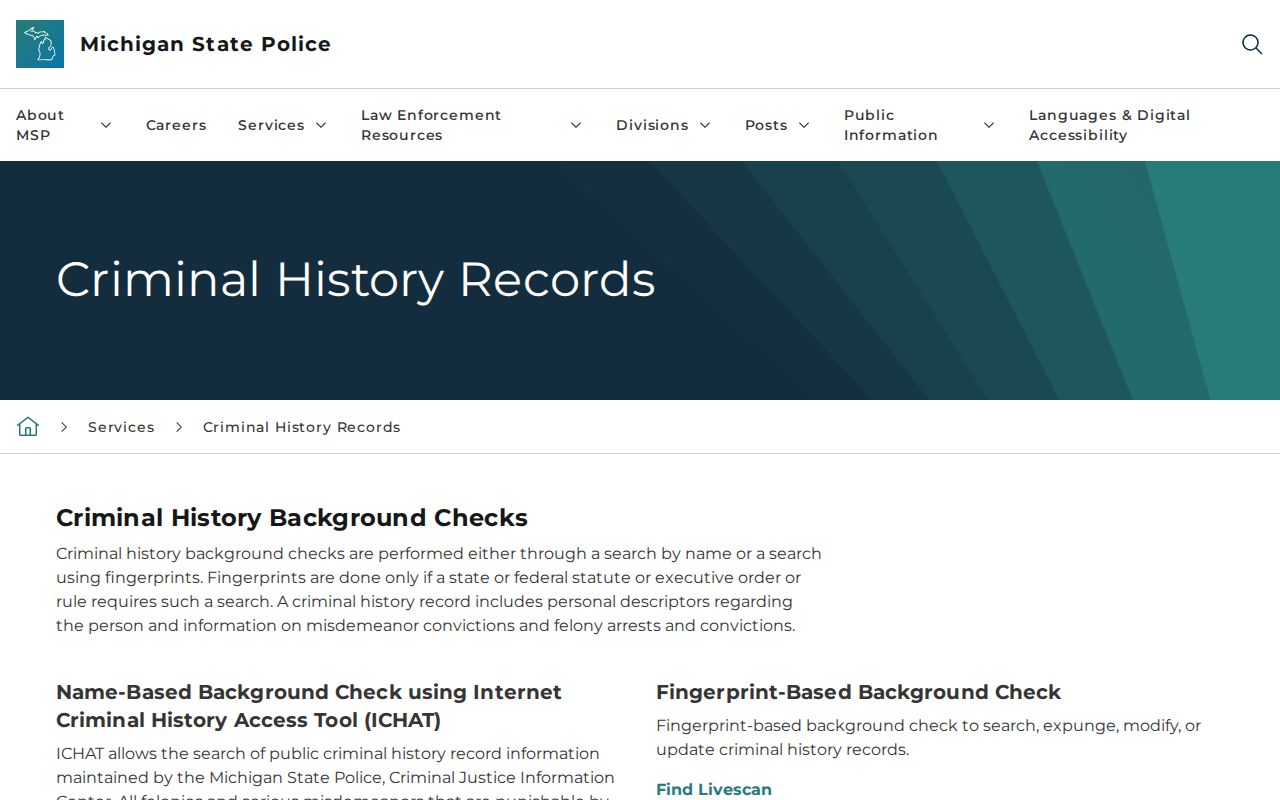
Read that exclusion before relying on any criminal-history result to rule a warrant out.
Where Alcona County Warrants Are Checked
Each Alcona County record type lives with a different office, and knowing which one saves a second call. The table below maps common requests to the office that holds the answer.
| Record Type | Office | Contact |
|---|---|---|
| Misdemeanor, traffic, ordinance, preliminary felony | 81st District Court | 989-724-9500 |
| Felony and other circuit matters | 23rd Circuit Court / County Clerk | 989-724-9410 |
| Family-support enforcement | Friend of Court | 989-724-9480 |
| Custody, transport, or an arrest already made | Alcona County Sheriff | 989-724-6271 |
| County or Sheriff administrative record | County FOIA process | clerk@alcona-county.net |
Reading Alcona County Case Status Terms
A few labels on an Alcona County case page decide what to do next. They are easy to misread.
- Public
- A case entry the court makes available through its public search interface.
- Suppressed
- An entry withheld from public view by rule, statute, or court order.
- Active
- A status that has to be confirmed with the issuing court, since a case page does not track it.
- Recalled
- A warrant the court has ended. The recall entry is what changes the operative status.
- Satisfied
- A court obligation that has been met, which can change how the case proceeds.
Access and Restricted Warrants
Court records follow court rules, not the ordinary public-records process, and some Alcona County cases stay closed. Juvenile matters, sealed files, and suppressed entries are handled separately. A search that returns nothing may simply mean the file is not public.
Key Rules:
MCR 6.102 covers warrant content and the warrant-or-summons choice.
MCL 712A.28 limits access to juvenile records.
Michigan FOIA covers county and Sheriff records, not judicial court files.
Calling an Alcona County Court Clerk
A short script keeps the call on track and avoids oversharing with an Alcona County court. Say who you are. Give the case or ticket number, then ask what the file shows.
- Ask whether a public case record matches the information you have.
- Ask which court controls the case and whether an order is open.
- Ask whether the issue is a missed appearance, an unpaid citation, or another order.
- Ask what the court requires next: an appearance, a motion, a bond, or a payment.
- Ask how counsel should contact the court if a lawyer will handle it.
The court's answer controls what happens next. Do not send a driver license, Social Security number, or other sensitive document to an Alcona County office unless it directs you to a secure method.